Understanding Objects in JavaScript
I am a Front-end Developer with 7 years of experience, started from HTML, CSS and JavaScript then switched into any UI Development again switched into React Development. Now Looking for anything like in language and started digging into that slowly.
When people first start learning JavaScript, arrays and variables feel simple. But soon a problem appears.
Imagine you are building a small application that stores information about a person.
A person has:
a name
an age
a city
maybe a job
If we store these values in separate variables, the code quickly becomes messy.
let name = "Rahul";
let age = 28;
let city = "Delhi";
Now imagine you need to store 10 people.
Or 100 users.
This is where Objects become powerful.
Objects help us organize related information together in a clean and structured way.
Let’s understand them step by step.
What Are Objects in JavaScript?
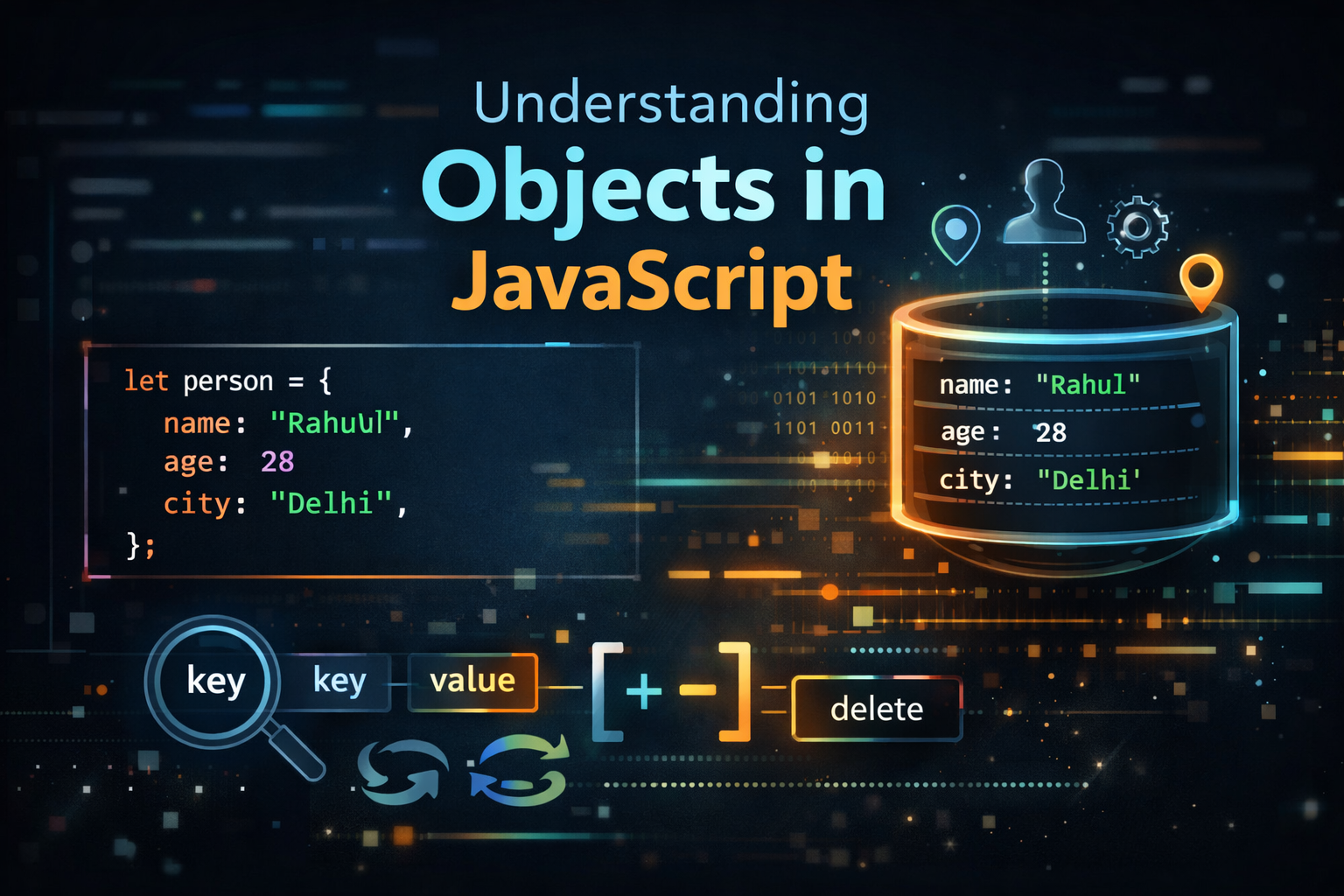
In JavaScript, an object is a collection of related data stored as key-value pairs.
Think of it like a mini database record.
Example:
let person = {
  name: "Santosh",
  age: 28,
  city: "Delhi"
};
Here:
| Key | Value |
|---|---|
| name | Santosh |
| age | 28 |
| city | Delhi |
So the structure becomes:
key : value
This makes objects extremely useful when representing real-world entities like:
Users
Products
Orders
Students
Cars
Real World Analogy
Think of an Aadhaar Card or ID card.
It contains information like:
Name: Santosh Kumar
Age: 28
City: Delhi
ID: 1234
Each piece of information has a label.
That label is the key, and the information is the value.
An object in JavaScript works exactly like that.
Creating Objects
Objects are created using curly braces {}.
Inside the braces we define key-value pairs.
Example:
let person = {
  name: "Santosh",
  age: 28,
  city: "Delhi"
};
Here we created an object called person.
It stores three properties.
You can imagine it like this:
person
 ├─ name → Santosh
 ├─ age → 28
 └─ city → Delhi
This makes the data organized and easy to work with.
Visual Structure of an Object
Imagine the object as a container with labelled fields.
+---------------------+
|      person         |
+---------------------+
| name : "Santosh"      |
| age  : 28           |
| city : "Delhi"      |
+---------------------+
Each label is a key.
Each stored value is the value.
Accessing Object Properties
Once we have an object, we need to read its values.
JavaScript provides two ways to access object properties.
1: Dot Notation
2: Bracket Notation
Dot Notation
This is the most common and simplest way.
Syntax:
object.property
Example:
console.log(person.name);
console.log(person.age);
Output:
Santosh
28
Here we accessed the properties using a dot (.).
Bracket Notation
Bracket notation uses square brackets.
Syntax:
object["property"]
Example:
console.log(person["city"]);
Output:
Delhi
Both methods work, but bracket notation is useful when the property name is dynamic.
Example:
let key = "name";
console.log(person[key]);
Output:
Santosh
Updating Object Properties
Objects are mutable, which means we can change their values.
Example:
person.age = 30;
Now the object becomes:
{
  name: "Santosh",
  age: 30,
  city: "Delhi"
}
You simply access the property and assign a new value.
Adding New Properties
Objects can grow over time.
You can easily add new properties.
Example:
person.job = "Software Developer";
Now the object becomes:
{
  name: "Santosh",
  age: 30,
  city: "Delhi",
  job: "Software Developer"
}
JavaScript automatically adds the new key.
Deleting Properties
Sometimes you want to remove a property.
JavaScript provides the delete keyword.
Example:
delete person.city;
Now the object becomes:
{
  name: "Santosh",
  age: 30,
  job: "Software Developer"
}
The city property has been removed.
Looping Through Object Properties
When objects become bigger, manually accessing every property is not practical.
We use a loop.
The most common loop is for...in.
Example:
for (let key in person) {
  console.log(key, person[key]);
}
Output:
name Santosh
age 30
job Software Developer
Explanation:
keyrepresents the property nameperson[key]gives the value
This loop goes through every key in the object.
Array vs Object (Important Difference)
Beginners often confuse arrays and objects.
Let’s compare them clearly.
Array Example
let fruits = ["apple", "banana", "mango"];
Access using index:
console.log(fruits[0]);
Output:
apple
Arrays use numeric indexes.
Object Example
let person = {
  name: "Santosh",
  age: 28
};
Access using keys:
console.log(person.name);
Visual Comparison
Array
[0] apple
[1] banana
[2] mango
Object
name → Santosh
age  → 28
city → Delhi
So the difference is simple:
| Feature | Array | Object |
|---|---|---|
| Data Access | Index | Key |
| Structure | Ordered list | Key-value pairs |
| Use Case | Lists | Real-world entities |
Why Objects Are Important
Objects are used everywhere in JavaScript.
Examples:
User data
API responses
Configuration settings
DOM elements
Application state
Example API response:
{
  id: 101,
  name: "Laptop",
  price: 50000,
  inStock: true
}
Modern web applications rely heavily on objects.
Mini Practice Assignment
Try this small exercise.
Step 1: Create a student object
let student = {
  name: "Sona",
  age: 21,
  course: "Computer Science"
};
Step 2: Update one property
student.age = 22;
Step 3: Loop through the object
for (let key in student) {
  console.log(key + ":", student[key]);
}
Output example:
name: Sona
age: 22
course: Computer Science
If you can do this comfortably, you already understand the basics of objects in JavaScript.
Final Thoughts
Objects are one of the most important building blocks of JavaScript.
They help developers organize information in a meaningful way.
Instead of scattering related data across multiple variables, objects let you group them into a single structured entity.
Once you understand objects, many advanced JavaScript topics become easier to learn, such as:
APIs
JSON
React state
Data modelling
But for now, focus on mastering these basics:
✔ Creating objects
✔ Accessing properties
✔ Updating values
✔ Adding and deleting properties
✔ Looping through keys
These fundamentals will appear again and again in real-world development.
JavaScript becomes easier when you try things yourself.
Thank you for reading this article.
If you found this helpful, feel free to connect with me on LinkedIn and follow my journey as I continue sharing JavaScript and frontend concepts (more blogs).


