JavaScript Operators: The Basics You Need to Know
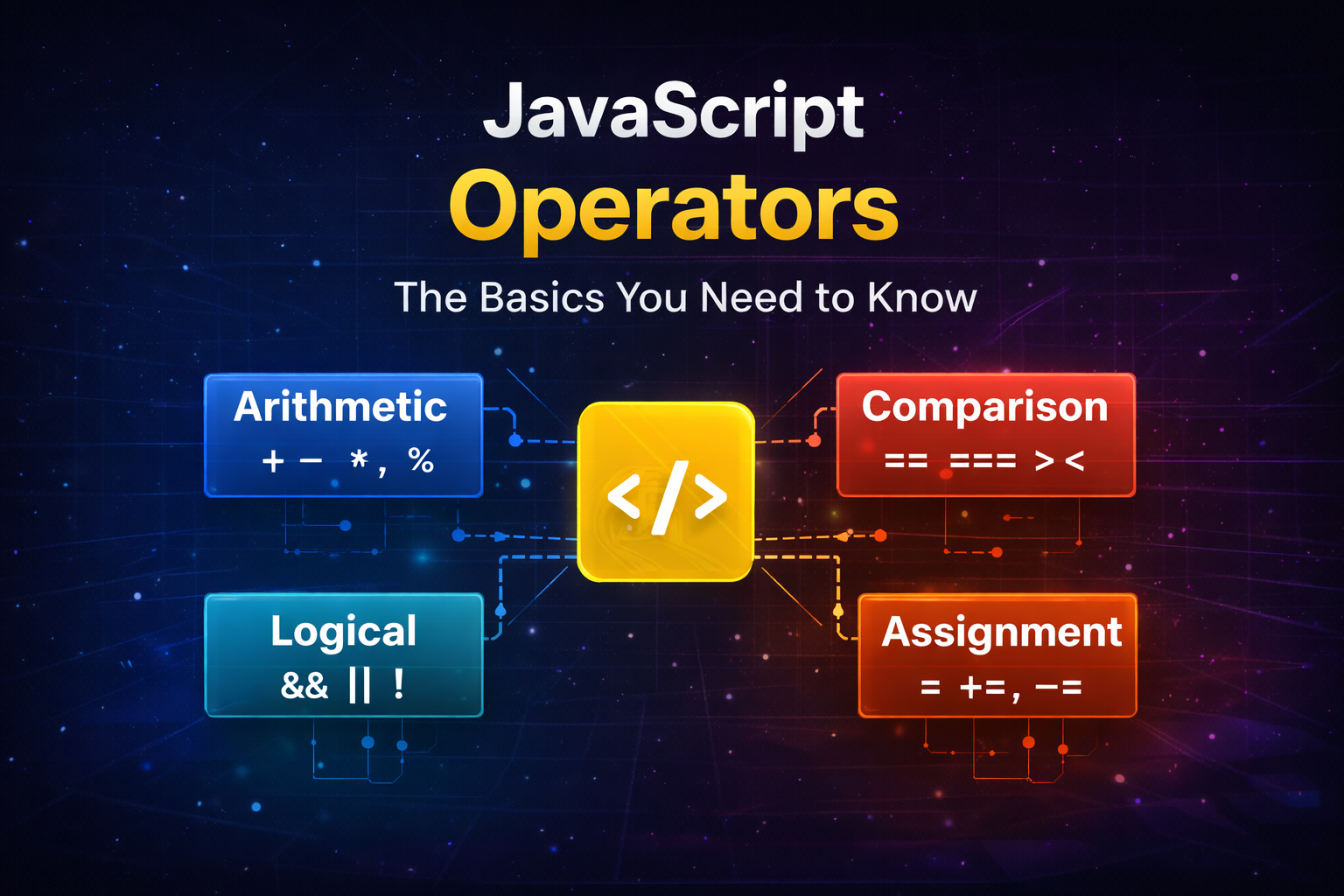
When writing JavaScript programs, we often need to perform calculations, compare values, or make decisions.
This is where operators come in.
Operators are one of the most fundamental parts of programming, and understanding them makes writing JavaScript much easier.
In this article, we’ll explore the most commonly used JavaScript operators with simple examples.
What Are Operators in JavaScript?
An operator is a symbol used to perform an operation on one or more values.
These values are called operands.
Example:
let result = 5 + 3;
Here:
5 and 3 → operands
+ → operator
The operator performs an action on the operands.
Types of Operators We’ll Cover
In everyday JavaScript development, you will mostly use these operator types:
| Category | Example |
|---|---|
| Arithmetic | +, -, *, /, % |
| Comparison | ==, ===, !=, >, < |
| Logical | &&, |
| Assignment | =, +=, -= |
Let’s explore each one.
Arithmetic Operators
Arithmetic operators are used to perform mathematical calculations.
| Operator | Meaning |
|---|---|
| + | Addition |
| - | Subtraction |
| * | Multiplication |
| / | Division |
| % | Modulus (remainder) |
Example:
let a = 10;
let b = 3;

console.log(a + b); // 13
console.log(a - b); // 7
console.log(a * b); // 30
console.log(a / b); // 3.33
console.log(a % b); // 1
The modulus operator (%) returns the remainder after division.
Example:
10 % 3 → 1
Comparison Operators
Comparison operators are used to compare two values.
They always return true or false.
| Operator | Meaning |
|---|---|
| == | Equal (loose comparison) |
| === | Strict equal |
| != | Not equal |
| > | Greater than |
| < | Less than |
Example:
console.log(5 > 3);   // true
console.log(2 < 1);   // false
console.log(10 != 5); // true
The Difference Between == and ===
This is one of the most important things for beginners.
Loose Equality (==)
== compares values after type conversion.
console.log(5 == "5"); // true
JavaScript converts "5" into a number.
Strict Equality (===)
=== compares both value and type.
console.log(5 === "5"); // false
Here:
5 → number
"5" → string
Since the types are different, the result is false.
Because of this behaviour, most developers prefer using ===.
Logical Operators
Logical operators are used to combine conditions.
| Operator | Meaning |
|---|---|
| && | AND |
| ! | NOT |
Example:
let age = 20;
let hasLicense = true;

if (age >= 18 && hasLicense) {
  console.log("You can drive");
}
The condition is true only if both conditions are true.
Truth Table for Logical Operators
AND (&&)
| A | B | Result |
|---|---|---|
| true | true | true |
| true | false | false |
| false | true | false |
| false | false | false |
OR (||)
| A | B | Result |
|---|---|---|
| true | true | true |
| true | false | true |
| false | true | true |
| false | false | false |
NOT (!)
| A | Result |
|---|---|
| true | false |
| false | true |
Example:
let isLoggedIn = false;

console.log(!isLoggedIn); // true
Assignment Operators
Assignment operators are used to assign values to variables.
| Operator | Meaning |
|---|---|
| = | Assign value |
| += | Add and assign |
| -= | Subtract and assign |
Example:
let x = 10;

x += 5;
console.log(x); // 15

x -= 3;
console.log(x); // 12
These operators help make code shorter and cleaner.
Exercise:
Try these small exercises to understand operators better.
1 Perform Arithmetic Operations
let a = 8;
let b = 2;

console.log(a + b);
console.log(a * b);
console.log(a % b);
2 Compare Values
console.log(5 == "5");
console.log(5 === "5");
3 Logical Condition
let age = 22;

if (age > 18 && age < 60) {
  console.log("Working age");
}
Key Takeaways
Operators allow us to perform actions on values.
Arithmetic operators help perform calculations.
Comparison operators return true or false.
Logical operators help combine conditions.
Assignment operators make variable updates easier.
Understanding operators is an essential step in becoming comfortable with JavaScript.
Final Thoughts
JavaScript operators may seem simple at first, but they are used in almost every line of code you write.
Mastering these basics will make it easier to work with conditions, loops, and functions.
If you're learning JavaScript, the best way to understand operators is to experiment in the console and try different examples yourself.
About the author
I am a Front-end Developer with 7 years of experience, started from HTML, CSS and JavaScript then switched into any UI Development again switched into React Development. Now Looking for anything like in language and started digging into that slowly.
Comments
Join the discussionNo comments yet. Be the first to comment.


