Getting Started with cURL: A Beginner-Friendly Guide
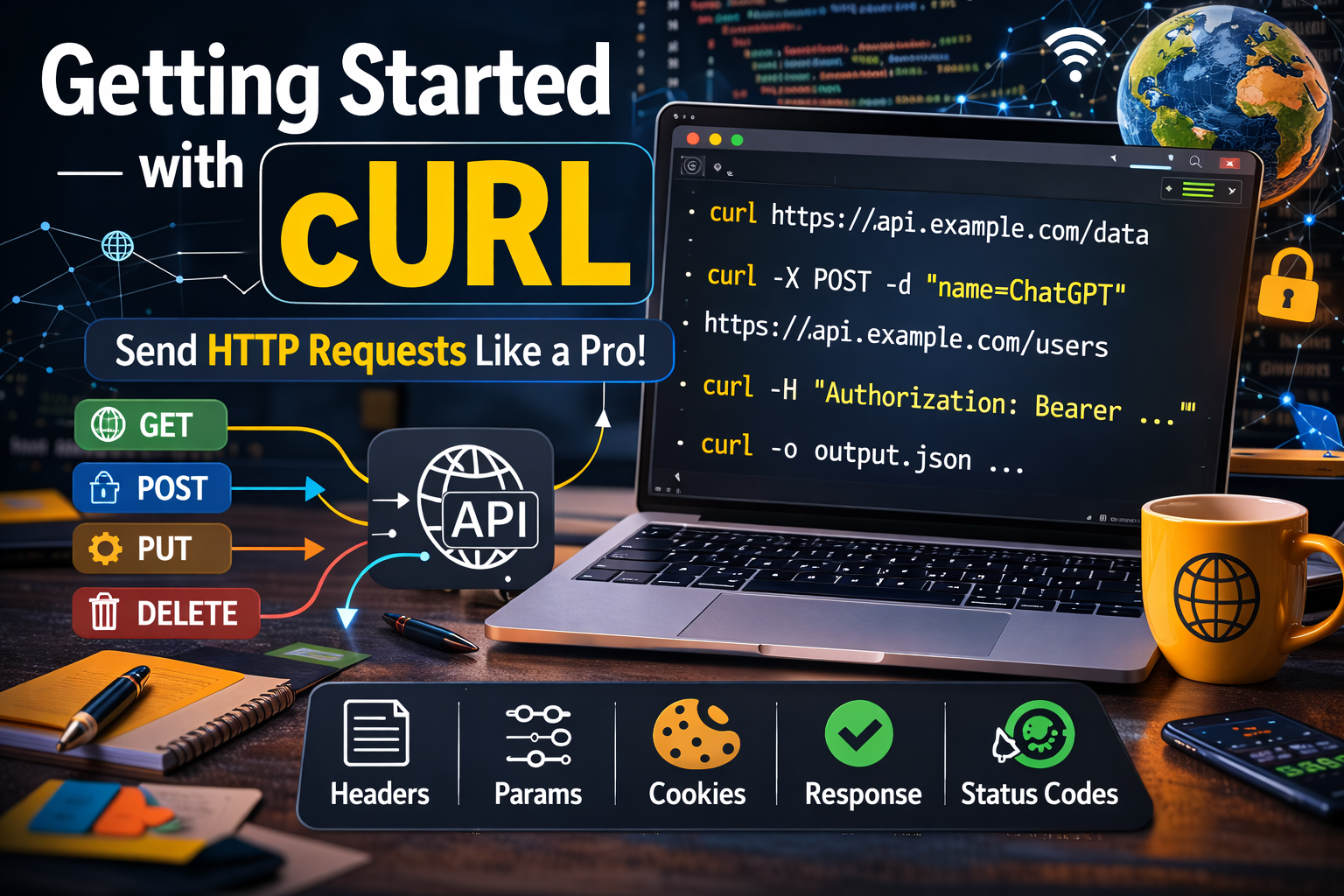
First why we need to learn about cURL? Just because of it is a command line for talk to the server, that’s why.
When developers work with the internet, they constantly send requests to servers and receive responses.
Normally, this happens through a browser. But programmers often need a more direct way to communicate with servers especially when working with APIs, testing backend systems, or debugging network issues.
This is where cURL comes in.
In this guide, we will understand cURL from scratch in the simplest possible way so beginners can confidently start using it.
Why do we need to talk to servers?
As developers, we constantly work with servers. Whenever you open a website, submit a form, or call an API, your system sends a request to a server and receives a response. Most of the time, this happens inside a browser or an application.
But what if you want to talk to a server directly from your terminal? That’s where cURL comes in.
What Is a Server?
A server is a computer that receives requests and sends responses.
When you request a webpage or API data, the server processes your request and sends back information such as HTML, JSON, or error messages.
A server is like a restaurant kitchen you place an order, and it sends back food.
Before understanding cURL, we must understand servers.
A server is simply a computer that stores data and sends it when someone requests it.
Examples:
| Service | What the Server Sends |
|---|---|
| Search results | |
| Netflix | Movies |
| Amazon | Product data |
| APIs | Structured data (JSON) |
Whenever you visit a website, this happens:
Your Device → Request → Server
Server → Response → Your Device
Your browser handles this communication silently.
But cURL allows developers to do the same thing manually.
What is cURL?
cURL stands for Client URL.
It is a command-line tool that allows you to send requests to a server and receive responses directly from your terminal.
Think of it like this:
A browser sends requests to servers and shows the webpage.
cURL sends requests to servers and shows the raw response.
So instead of clicking a link in a browser, you type a command in the terminal.
Example:
curl https://example.com
This command tells the server:
"Hello server, please send me the content of this webpage."
And the server replies with the HTML of the page.
cURL is a command-line tool that allows you to send requests to a server and receive responses.
In simple terms, cURL is a way to talk to servers directly from the terminal.
cURL works without a browser.
Why Programmers Need cURL
Browsers are great for viewing websites, but developers often need to:
Test APIs
Debug backend services
Fetch data quickly
Automate requests
Check server responses
Using cURL, developers can talk directly to servers without a browser.
Example use cases:
| Task | Why cURL helps |
|---|---|
| Testing APIs | Send requests instantly |
| Debugging | See raw responses |
| Backend development | Verify endpoints |
| Automation | Scripts can run cURL commands |
This makes cURL one of the most essential tools for developers.
Making Your First Request Using cURL
Let’s make the simplest request possible.
Open your terminal and type:
curl https://example.com
What happens?
cURL sends a request to the server.
The server processes it.
The server sends a response.
cURL prints the response in your terminal.
Output will look something like:
<!doctype html>
<html>
<head>
<title>Example Domain</title>
</head>
<body>
<h1>Example Domain</h1>
</body>
</html>
This is the HTML of the webpage.
Your browser normally renders this HTML visually, but cURL simply shows the raw response.
Understanding Request and Response
Communication between a client and server follows a request → response model.
Step 1: Client Sends Request
The client asks the server for something.
Example:
GET / HTTP/1.1
Host: example.com
Step 2: Server Sends Response
The server replies with data.
Example:
HTTP/1.1 200 OK
Content-Type: text/html
Then it sends the page content.
Visual Flow
Terminal (cURL)
      |
      |  HTTP Request
      v
    Server
      |
      |  HTTP Response
      v
Terminal Output
This simple interaction powers the entire web.
Browser Request vs cURL Request
Normally when you open a webpage:
Browser → Server → HTML/CSS/JS → Rendered Page
But with cURL:
Terminal → Server → Raw Response → Terminal Output
Browser focuses on displaying content.
cURL focuses on communication and debugging.
Using cURL to Talk to APIs
Many modern applications rely on APIs.
APIs allow different systems to exchange data.
For example:
Mobile apps talk to backend servers
Websites fetch data dynamically
Services communicate with each other
cURL is commonly used to test APIs.
Example API request:
curl https://api.github.com/users
The response will be JSON data.
Example response:
[
  {
    "login": "user1",
    "id": 1
  }
]
This structured data is used by applications.
Introducing GET and POST
HTTP has different request methods.
For beginners, you only need to understand two:
| Method | Purpose |
|---|---|
| GET | Request data |
| POST | Send data |
GET Request
GET asks the server for information.
Example:
curl https://api.github.com/users
Meaning:
"Please give me user data."
POST Request
POST sends data to the server.
Example:
curl -X POST https://api.example.com/users
Meaning:
"I want to create a new user."
POST is commonly used when:
Submitting forms
Creating records
Sending JSON data
But beginners should first focus on GET requests.
Basic HTTP Request and Response Structure
A request usually contains:
Method
URL
Headers
Body (optional)
Example:
GET /users HTTP/1.1
Host: api.example.com
Server response:
Status Code
Headers
Body
Example:
HTTP/1.1 200 OK
Content-Type: application/json
Body:
{
 "name": "John"
}
Understanding this structure helps developers debug network communication.
Where cURL Fits in Backend Development
cURL is widely used in backend development.
Common workflow:
Developer writes API
       |
Developer tests endpoint using cURL
       |
Server returns response
       |
Developer verifies behavior
Example scenario:
You create an API:
https://api.myapp.com/users
Before connecting the frontend, you test it with:
curl https://api.myapp.com/users
If it works correctly, your API is ready.
cURL → Server → Response Diagram
   Terminal
      |
      |  curl https://api.site.com/data
      v
   Server
      |
      |  JSON Response
      v
 Terminal Output
This is the core interaction developers work with daily.
Common Mistakes Beginners Make with cURL
When starting with cURL, beginners often face a few issues.
1. Forgetting the protocol
Wrong:
curl example.com
Correct:
curl https://example.com
2. Expecting formatted output
cURL shows raw responses, not pretty views like browsers.
Use tools later to format JSON if needed.
3. Overusing complex flags too early
cURL has many options, but beginners should start with:
curl URL
Then gradually learn advanced options.
4. Not understanding responses
Always look for:
Status codes
Returned data
Error messages
Example status codes:
| Code | Meaning |
|---|---|
| 200 | Success |
| 404 | Not found |
| 500 | Server error |
Building Confidence with cURL
Learning cURL should be simple and progressive.
Start with:
Fetching webpages
curl https://example.com
Fetching API data
curl https://api.github.com/users
Understanding responses
Learning request methods (GET → POST)
Once comfortable, you can explore:
Headers
Authentication
File uploads
Automation scripts
But confidence comes from simple practice first.
Final Thoughts
cURL is a small but powerful tool that allows developers to communicate directly with servers.
Instead of relying only on browsers, you can:
Test APIs
Debug backend systems
Understand HTTP communication
Automate network requests
If you understand how requests and responses work, you already understand the foundation of the internet.
And cURL is one of the easiest ways to see that foundation in action.
Thank you for reading this article.
If you found this helpful, feel free to connect with me on LinkedIn and follow my journey as I continue sharing JavaScript and frontend concepts (more blogs).
About the author
I am a Front-end Developer with 7 years of experience, started from HTML, CSS and JavaScript then switched into any UI Development again switched into React Development. Now Looking for anything like in language and started digging into that slowly.
Comments
Join the discussionNo comments yet. Be the first to comment.


